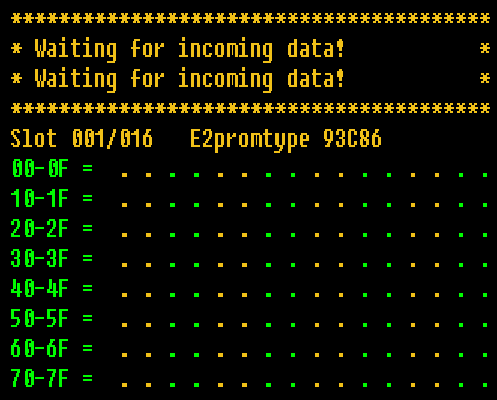
Use LEFT and RIGHT to select the E2prom-Browser program, then use any of the keys A, B or C to load it.
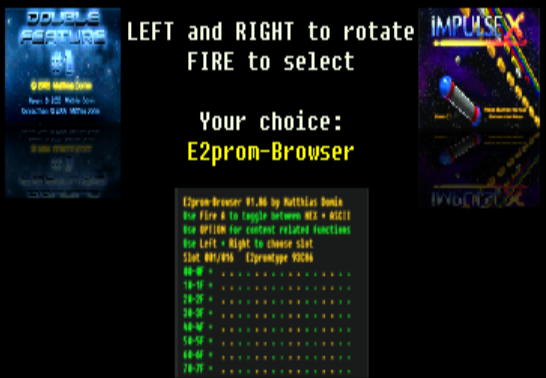
Getting started:
Case 1: For the first run of the Impulse X cartridge (released in 2013):
Start your Impulse X cartridge with the OPTION button held pressed down.
You can release the OPTION button as soon as the spinning cube appears.
Case 2: For the second run of the Impulse X cartridge (released in 2020):
Use LEFT and RIGHT to select the E2prom-Browser program, then use any of the keys A, B or C to load it.
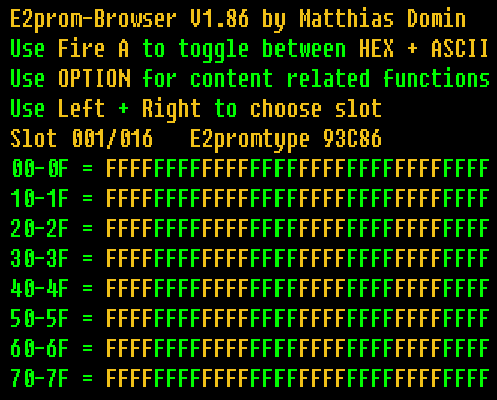
Use Fire A to toggle between the default ASCII-view and a HEX-output:
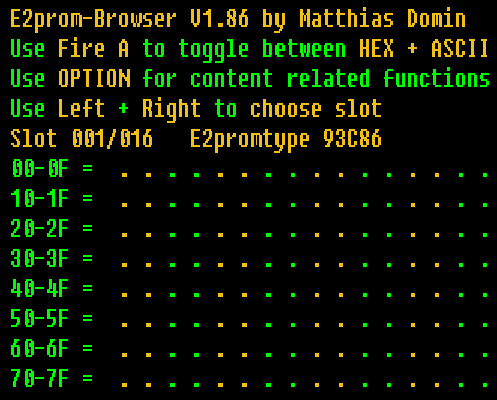
Use LEFT and RIGHT to select another 128 bytes chunk (called slot):
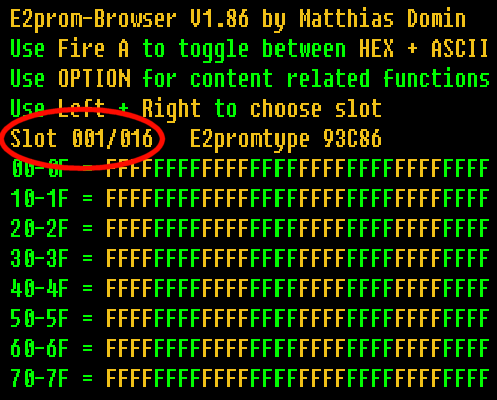
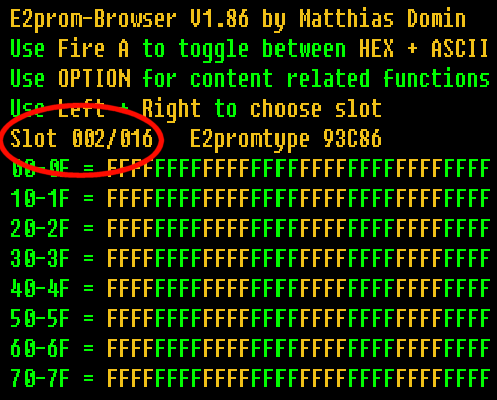
Press OPTION to be enter a submenu screen where you can call these special functions:
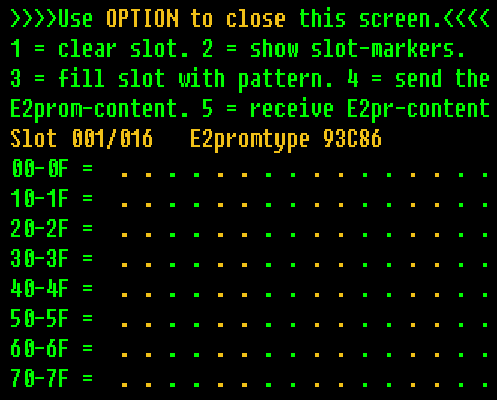
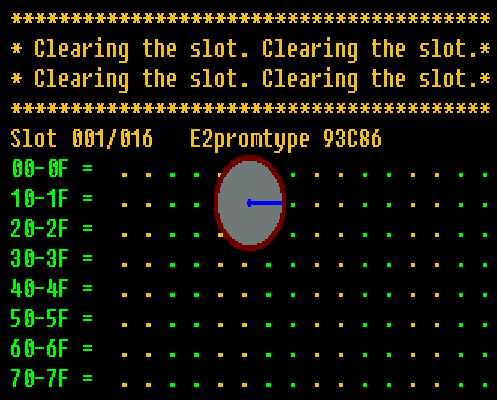
Press key 1 for Clearing a slot:
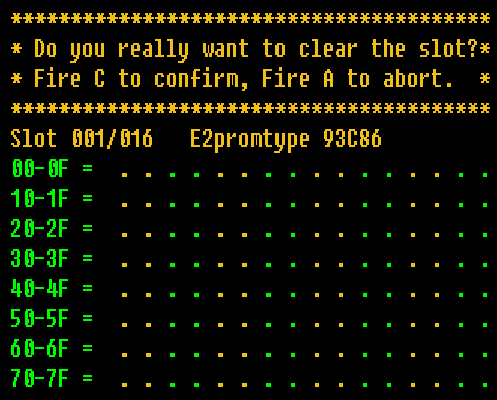
Press key C to confirm, or key A to abort and to get back to the options screen.
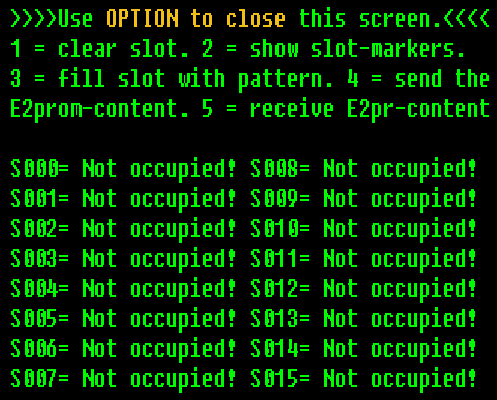
Press key 2 for Showing the slot-structure:
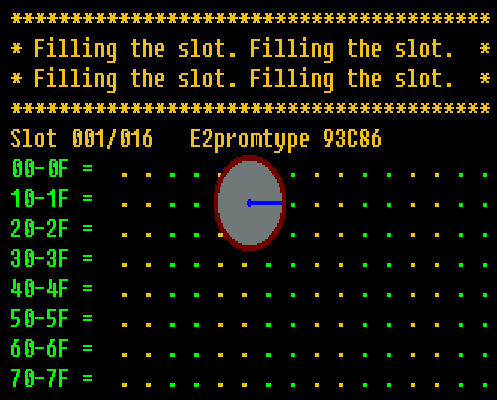
Press key 3 for Filling a slot:
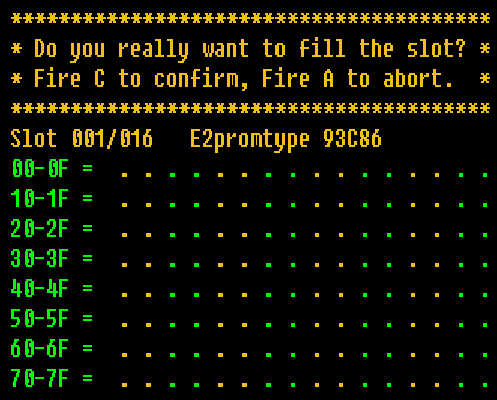
Press key C to confirm, or key A to abort and to get back to the options screen.
Press key 4 for Sending the data stored on the serial E2prom to a PC using a serial connection:
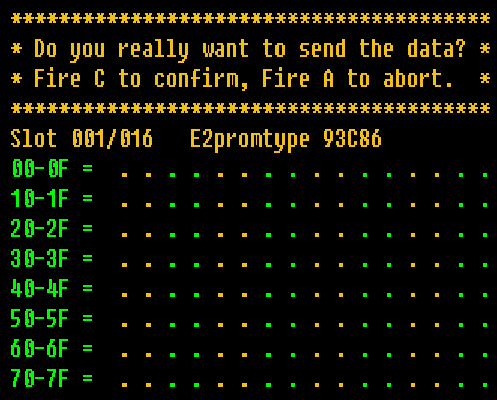
Press key C to confirm, or key A to abort and to get back to the options screen.
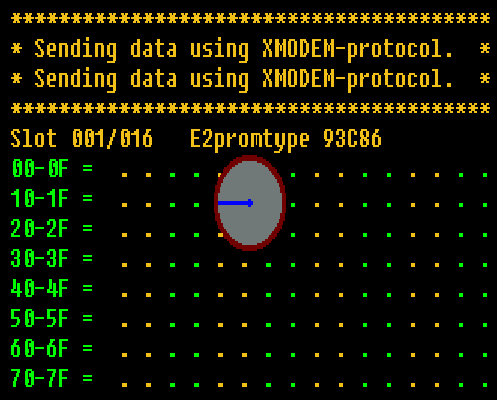
Press key 5 for Receiving data that should be stored on the serial E2prom from a PC using a serial connection: